Check the video ads PMax is actually running
Review PMax video variants, keep the offer intact, and agree who checks creative changes before they become a client problem.

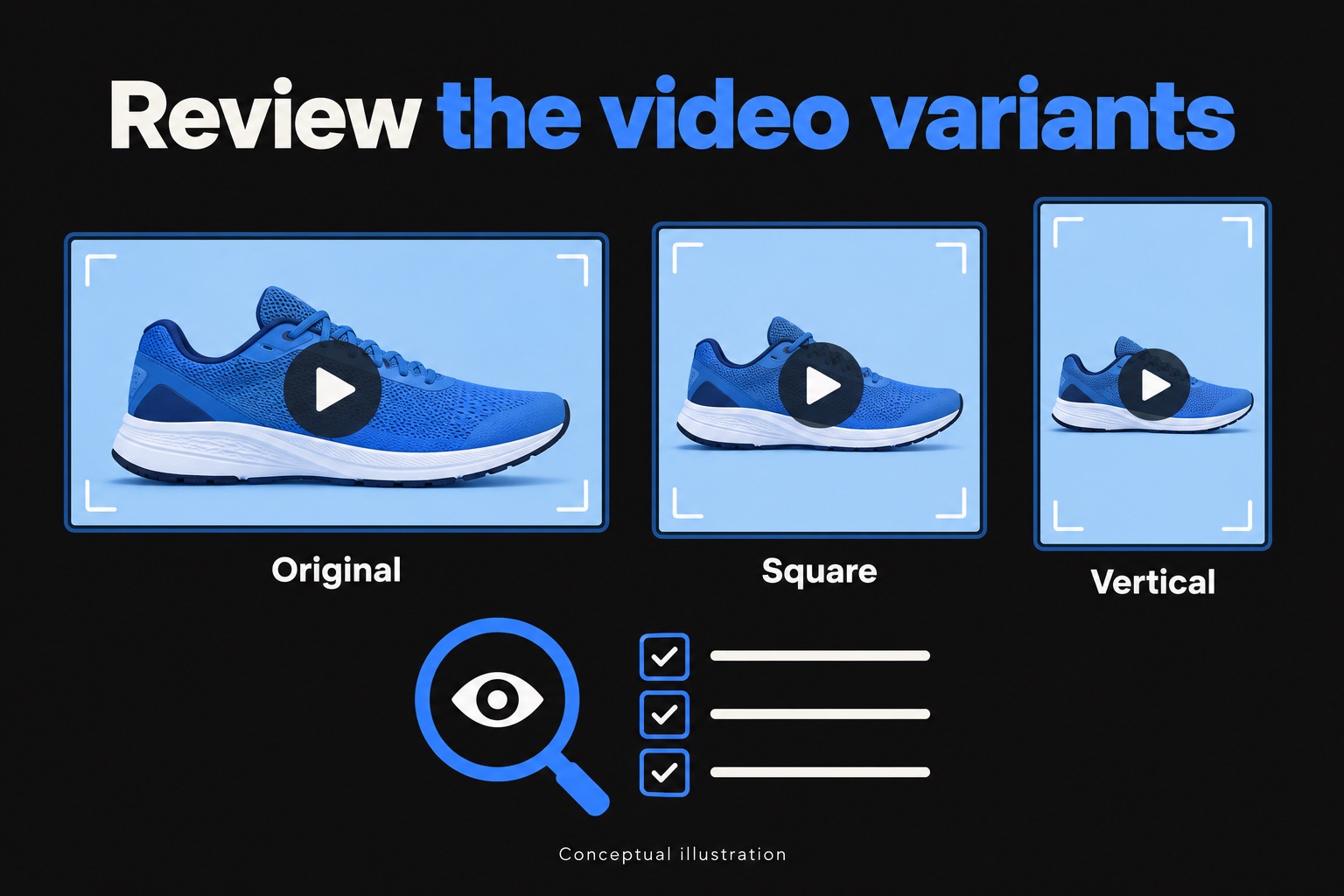
A client can approve a video file and still see a different version of it in an ad. Performance Max can create square, vertical and shorter versions of supplied videos. That makes the file in the approval email only part of the creative review.
I care about what the customer sees. A format change can be useful, but someone still needs to check that the offer makes sense and the important details survived.
1. Find the versions attached to the campaign
Start with the campaign's assets. Google's video reporting guide says automatically enhanced videos are visible in asset group, campaign asset and channel reporting. Open the variants alongside the original so you can compare them.
Don't assume every generated video came from the same process. Google distinguishes enhancements of existing videos from videos it creates using image and text assets when an asset group has no active uploaded video. Knowing which one you're looking at matters when you choose the control to change.
2. Watch it as a customer
Play each version on a phone. Watch once with sound and once without. Check the opening and the end card, then pause anywhere the offer or a condition appears.
My minimum check is straightforward:
- The product or service is still clear in the smaller frame.
- The offer matches the approved copy and the landing page.
- Text stays readable long enough to understand it, including any important conditions.
- The next step is visible, and the ending doesn't cut it off.
For example, a hypothetical service ad might keep the words "free estimate" while making the service-area text difficult to read. That deserves a correction even if the video looks tidy. The same message-match check used for a landing page belongs here.
Google says additional versions can run after its own quality review. I'd still compare them with the specific offer the client approved.
3. Decide what to keep or replace
One weak version doesn't require rebuilding the campaign. Google's reporting guide documents removal of individual enhanced assets. Its video automation guide also gives a campaign-level path: Campaign settings, Asset optimization, Video, then uncheck Enhancement to opt out of video enhancements.
Choose based on the problem. An isolated bad crop may call for removing that version and supplying a better edit. If the business requires explicit approval of every variation, decide whether enhancements fit that process before leaving them enabled. Don't treat that setting as a switch for every kind of video automation.
4. Give the review a clear owner
Assign the review to someone who can check the variants and make the decision.
Save the variants you checked, the decision and the review date in the client task. Name the person who will check again after creative changes. That gives the client something concrete to respond to and keeps the same question from being reopened next week.
This is also a profitability decision. Automation can reduce editing work, but repeated corrections and approval calls still use time. I prefer a short, assigned review to an open-ended cleanup job.
Once the creative passes, judge results separately. A clean crop doesn't establish profitable performance; the PMax budget checks still apply. Start with one active campaign, review its video variants, and decide which to keep, replace or remove.