What to check before increasing your PMax budget
Check the report, the orders and the costs before putting more money into a campaign that looks better on paper.

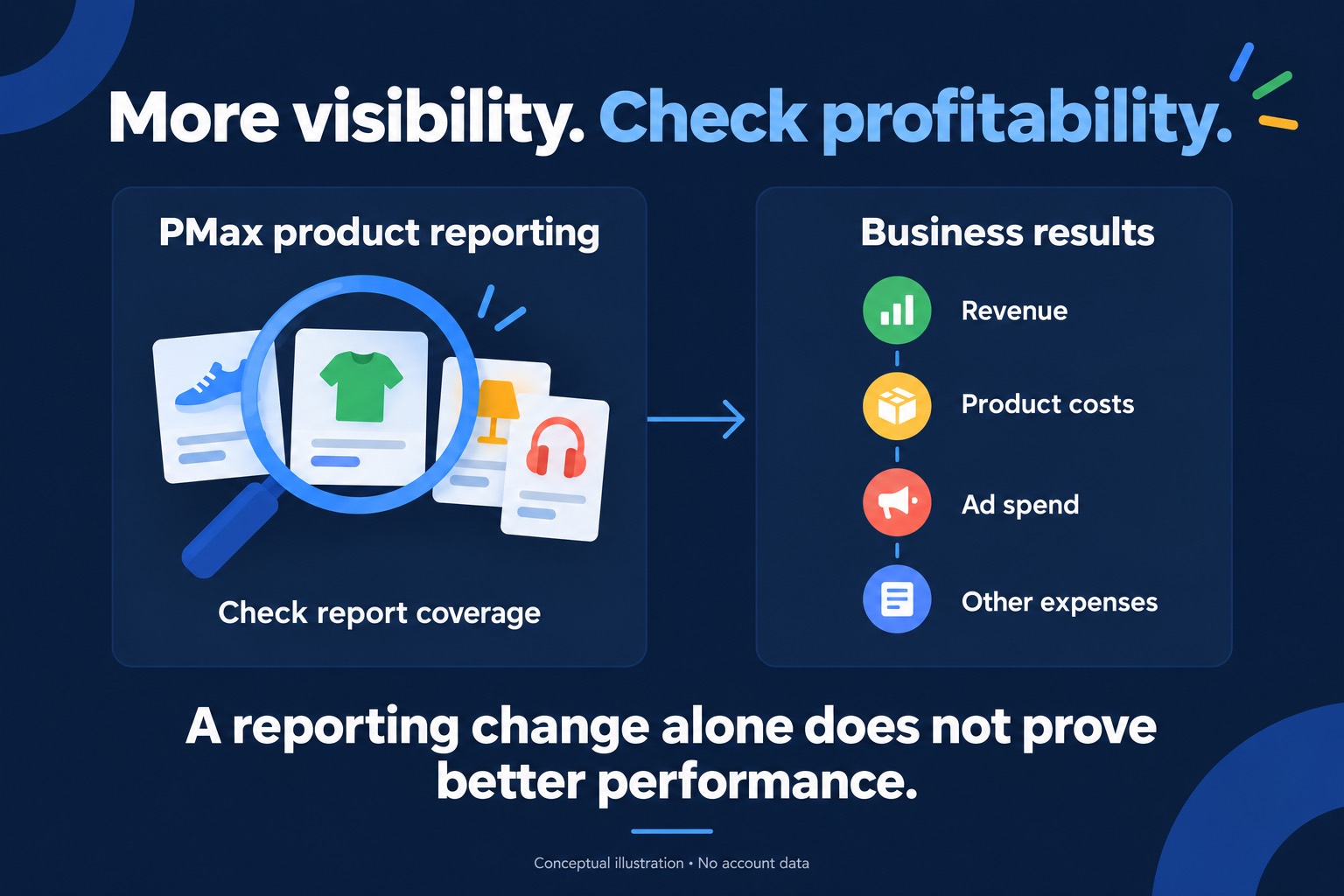
A better PMax report is a reason to look closer before increasing the budget. I want to know whether the campaign is producing more useful sales and whether those sales leave enough money after costs.
That starts with checking the report itself. A change in what Google shows can make a comparison look better even when the business hasn't improved by the same amount.
1. Check whether the report changed
Google expanded product reporting across PMax networks starting in June 2026. Its product reporting guide says this can cause a one-time increase in reported metrics.
If you're comparing periods across that change, account for it before calling the increase a performance improvement. Check which report you're using and whether its coverage is consistent across both periods.
Product reports also cover a different scope from campaign reports, so their totals can differ. Trying to force them to match can waste an afternoon without telling you anything useful about the campaign.
For the client, the explanation can be short. Say what changed in the report and what you still need to check before recommending more spend.
2. Look at the orders behind the revenue
Next, check the store's order data. Look at what sold, what customers paid after discounts, and whether refunds or cancellations affect the picture. Allow for differences in how the store and Google Ads attribute those sales.
An increase in revenue is useful information. It still needs context. Selling more of a low-margin product may leave less money than a smaller number of better-margin orders.
Before recommending an increase, I'd ask the owner which products they actually want to sell more of and what it costs to fulfil those orders. That can change the recommendation considerably.
3. Include the costs outside the ad account
Take a simple example. An order brings in $100 and the product costs $60. That leaves $40 in gross profit. If acquiring the order costs $25, there's $15 left before other expenses.
Shipping, payment fees and returns still need to come out of that amount. A campaign can generate sales while leaving very little for the business.
Google offers gross profit reporting when cart data and product cost information are configured. Its cost-of-goods guide explains the requirements. Missing product costs can leave that reporting incomplete, and gross profit still doesn't account for every expense.
You can start with a simple calculation using the store's figures. Label any estimates so everyone knows how much confidence to put in the result.
Make the budget decision from there
If the comparison is sound and the orders leave enough margin, a measured budget increase may be worth testing. Agree on what you'll watch and when you'll review it. More spend doesn't guarantee the same return.
If costs are missing or the reporting change explains the jump, finish that check first.
The client should leave knowing why you're recommending a change and how you'll judge it. That's the useful part of the report.