What to check when Google Ads and your CRM don't match
Before changing the budget, check what each report counts, test the tracking, and follow the leads through to sales.

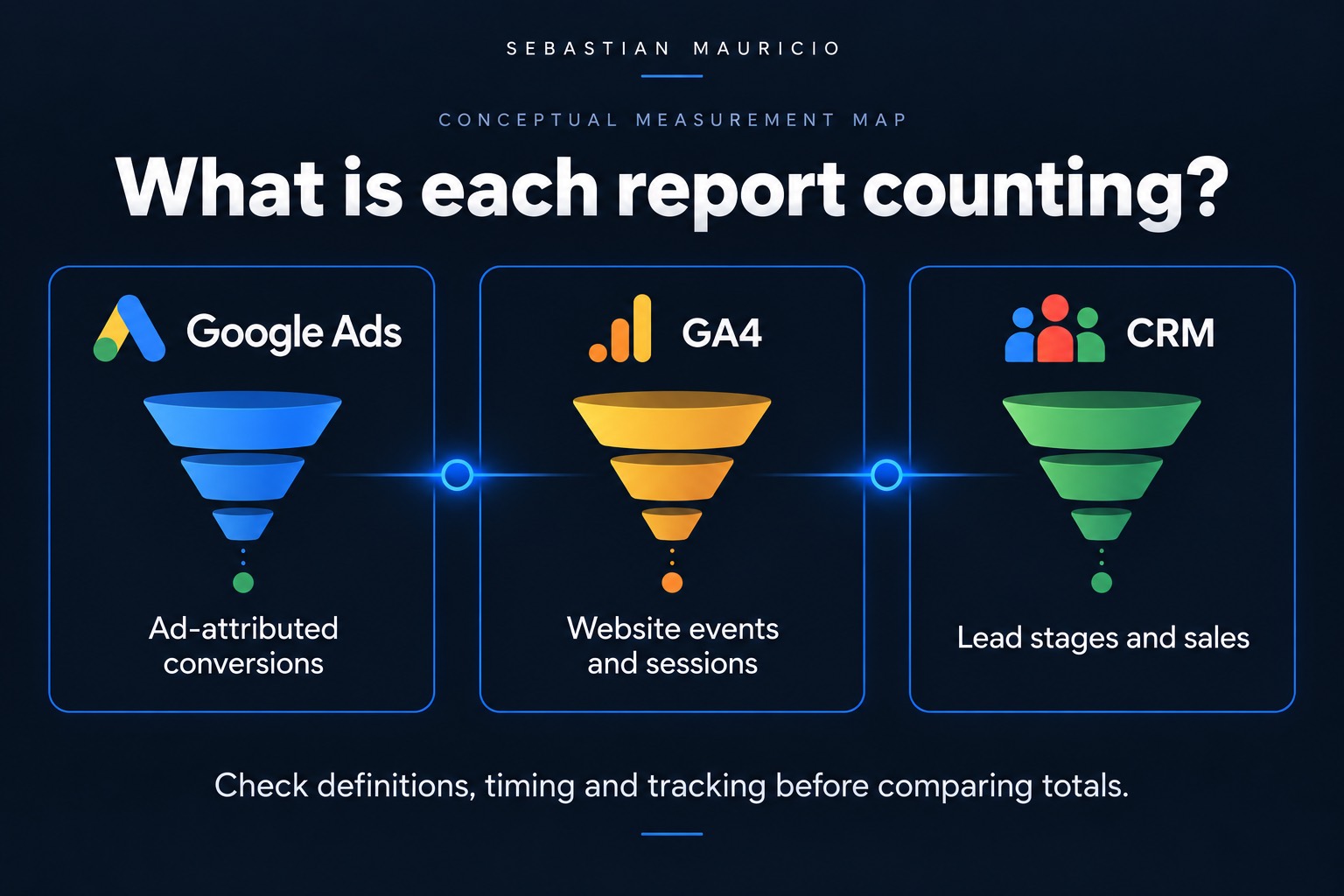
Google Ads shows leads coming in. The client says they aren't seeing them. Before changing anything in the account, I want to know where the difference starts.
Sometimes the reports count different things. Sometimes the tracking is broken. Sometimes the leads arrived and nobody followed up. Each problem needs a different fix, and cutting the budget won't tell you which one you have.
1. Check what each number means
A form submission and a qualified lead are different steps. If Google Ads counts the form and the CRM report only includes qualified leads, comparing those totals won't tell you whether tracking works.
Start with the conversion action in Google Ads. What triggers it? Then check the event or conversion you're looking at in GA4 and the stage selected in the CRM. Write down the definition of each before comparing anything.
The same goes for clicks and sessions. They measure different activity, so a difference between them isn't enough to diagnose a problem. Google's reporting troubleshooting guide explains the distinction and the tracking issues worth checking.
2. Follow a lead through the system
Run a controlled test through the form and check what happens. Does the expected event fire once? Does the enquiry reach the CRM? Mark the test clearly so it doesn't get mistaken for a customer.
If the form fires twice, fix the duplicate event. If the enquiry never arrives, check the connection between the website and the CRM. That gives you something specific to fix before the next reporting call.
This comes first in my Google Ads audit checklist for the same reason. Budget decisions depend on measurement you can trust.
3. Compare the same period
Check the dates, time zones and filters. Also check which date the report uses. Google Ads can attribute a conversion to the earlier ad interaction, while another report shows when the conversion happened. Google's guide linked above covers that timing difference too.
For a business with a longer sales cycle, this month's leads may still be open next month. Comparing new enquiries with closed deals from the same calendar period can mix different groups of customers.
Follow the leads from a chosen period through their current stages. You'll get a clearer picture of what happened to them.
4. Check what happened after the enquiry
Once tracking checks out, look at the actual leads. Were they relevant? Did someone contact them? How many became customers?
This is where the conversation becomes useful. A campaign bringing in the wrong enquiries needs different work from a campaign whose enquiries sit unanswered for days.
I'd put the findings in a short note for the client: where the gap starts, what we've checked, and what happens next. If something is still unknown, give that check an owner.
The aim is to understand whether the money is bringing in customers and where the process needs fixing. That's a better basis for the next budget decision than picking whichever dashboard has the nicest number.